
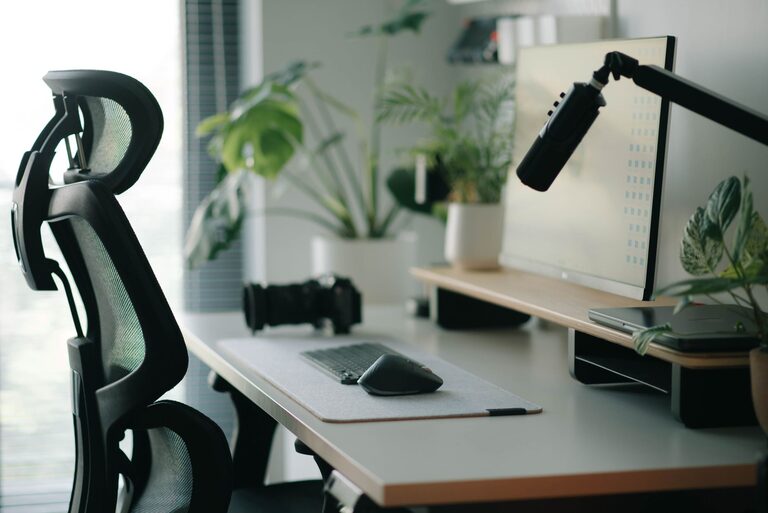
Creating a desk setup that promotes both focus and comfort can transform your workday. Whether you work from home or at an office, the way you arrange your workspace plays a crucial role in your productivity and well-being. In this post, we’ll guide you through essential tips to design a desk setup that helps you stay concentrated and comfortable throughout the day.
Why a Good Desk Setup Matters
A well-organized and ergonomic workspace reduces distractions, minimizes physical strain, and supports a healthy posture. Poor desk arrangements can lead to discomfort, fatigue, and reduced focus, making tasks feel harder than they need to be. Investing time in setting up your desk right can result in clearer thinking, better efficiency, and overall job satisfaction.
Key Elements to Consider
1. Desk and Chair Selection
– Desk height: Your desk should allow your elbows to be at a 90-degree angle when typing. Standard desk heights are typically 28–30 inches, but adjustable desks offer more flexibility.
– Chair support: Choose a chair with adjustable height, lumbar support, and comfortable padding. It should encourage an upright, natural posture.
– Foot placement: Both feet should rest flat on the floor or on a footrest to reduce pressure on your lower back.
2. Monitor Positioning
– Eye level: The top of your monitor should be at or just below eye level to prevent neck strain.
– Distance: Place the screen about an arm’s length away to avoid eye fatigue.
– Dual monitors: If using two screens, position them side by side at the same height, and angle them slightly inward.
3. Lighting Setup
– Natural light: Position your desk near a window to benefit from natural daylight, which can improve mood and alertness.
– Avoid glare: Place screens perpendicular to windows to reduce glare.
– Task lighting: Use adjustable desk lamps to illuminate your work area without causing reflections on the screen.
4. Organizing Your Desk
– Declutter: Keep only essential items on your desk to minimize distractions.
– Storage: Use drawers, shelves, or organizers to store supplies neatly.
– Cable management: Tidy cables using clips or sleeves to keep them out of sight and prevent tangles.
5. Accessories for Comfort and Productivity
– Keyboard and mouse: Ergonomic versions can reduce wrist strain. Position them close enough to avoid overreaching.
– Wrist rests: Consider soft pads for your keyboard and mouse to support your wrists during long sessions.
– Plants: Small desk plants can refresh the environment and reduce stress.
– Water bottle: Staying hydrated helps maintain focus, so keep a bottle within reach.
Tips for Maintaining Focus at Your Desk
1. Create Zones
Divide your desk into distinct zones—such as computer work, writing, and reference materials—to organize your workflow.
2. Limit Distractions
Turn off notifications on your phone or computer while working. Keep non-work-related items away from your immediate workspace.
3. Take Regular Breaks
Follow the 20-20-20 rule: every 20 minutes, look at something 20 feet away for 20 seconds to rest your eyes.
4. Personalize with Purpose
Add meaningful objects, like photos or artwork, to inspire you without cluttering your space.
Easy Upgrades to Try Today
– Adjust your chair and monitor heights.
– Add a desk lamp with adjustable brightness.
– Use a monitor stand or riser for better screen placement.
– Introduce a small plant or two for a touch of nature.
– Invest in an ergonomic keyboard or mouse.
Conclusion
A thoughtfully arranged desk setup supports both your physical comfort and mental focus. By paying attention to ergonomics, lighting, organization, and personal touches, you can create a workspace that keeps you productive and comfortable throughout the day. Start with small changes and adjust as needed until your desk feels just right for you. Happy working!